
Many neck and back problems, and some of the contributing factors to carpal tunnel syndrome can be alleviated by making sure that your keyboard and mouse are properly located relative to your elbows.
If you have to reach up or down to reach your keys or mouse, then your not working in a neutral posture. An adjustable keyboard tray can be retrofitted to your workstation to allow you to properly position your keyboard and mouse.
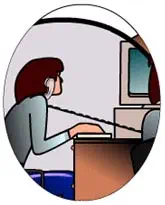
In this video, you’ll learn how to position your chair, align your keyboard, and maintain a neutral posture that supports your body throughout the workday. When your feet are flat on the floor, your back is supported, and your wrists stay aligned with your forearms, you reduce strain on your neck, shoulders, and hands.